If you are planning your first trip to Korea, you might be worried about how to get around. You might have heard that Google Maps isn’t as reliable here as it is in other countries. Don’t worry! In this guide, I’ll show you the exact apps you need to navigate Korea like a local.
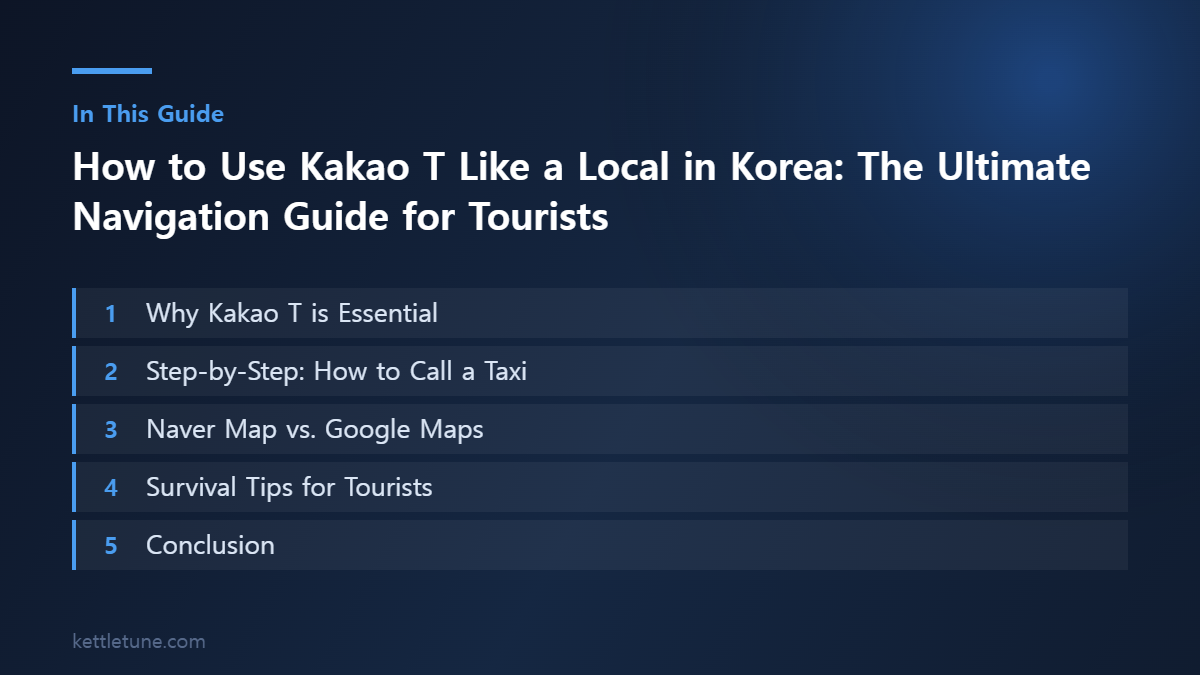
💡 Why Kakao T is Essential
Kakao T is the “Uber of Korea.” Whether you need a taxi, a designated driver, or even parking, this app does it all. For tourists, the biggest advantage is that you don’t need to speak Korean to call a taxi. Simply type in your destination in the app, and the driver receives your exact location.
- Pro Tip: You can link your international credit card directly to the app, so you don’t have to worry about cash or payment issues at the end of your ride.
🚕 Step-by-Step: How to Call a Taxi
- Download & Register: Search for “Kakao T” on the App Store or Google Play. Sign up using your phone number.
- Select ‘Taxi’: Tap the Taxi icon on the main screen.
- Set Your Destination: Type your destination in English or Korean.
- Call: Choose the type of taxi and hit “Call.” You will see the driver’s car model and license plate number.
🗺️ Naver Map vs. Google Maps
If you try to use Google Maps in Korea, you will quickly notice it doesn’t show walking routes or public transport directions accurately. This is due to Korean security regulations.
- The Winner: Naver Map or Kakao Map.
- Key Advantage: Both apps have an English interface and provide real-time bus/subway info, including the fastest transfer cars.
✈️ Survival Tips for Tourists
Offline Maps: Download your route on Naver Map before you leave your hotel so you don’t get lost even with weak data.
- Airport Taxi: Look for official “International Taxi” signs at Incheon Airport, or just use Kakao T, which works perfectly.
- Communication: Don’t worry about phone calls! Most drivers will understand if you show them the destination screen on your app.
💳 The Payment Problem (Read This First)
This is the single biggest thing that trips up visitors, and most guides skip it. Registering a foreign-issued credit card for automatic in-app payment often fails.
Kakao T does have a Non-Korean Credit Card option under My Info → Payment Method, so it is worth trying. But the domestic payment gateway frequently rejects overseas Visa and Mastercard registrations. Whether it works depends on your card issuer, the country it was issued in, and sometimes just timing — so failures are common and not something you did wrong.
The reliable workaround: on the payment screen, choose “Pay directly” / “Pay to the driver.” The app then stops asking you to register a card, and you settle the metered fare when you get out.
- Cash (Korean won) — the surest option. Always works.
- Physical overseas credit card — usually fine, but some terminals or issuers decline it.
- T-money transit card — works in most taxis and is easy to top up at any convenience store.
Practical advice: carry ₩30,000–50,000 in cash even if you plan to pay by card. One declined terminal at 1 a.m. is enough to ruin a night.
🚖 Which Kakao T Taxi Type Should You Pick?
When you call a ride you will see several tiers. They are not just cosmetic — prices differ significantly.
| Type | What it is | When it makes sense |
|---|---|---|
| 일반 (Regular) | Standard metered taxi | Default choice. Cheapest. |
| 블루 (Blue) | Vetted drivers, guaranteed dispatch | Rush hour, or when regular taxis are not accepting |
| 벤티 (Venti) | Large van, up to 6 passengers | Groups, or lots of luggage |
| 블랙 (Black) | Premium sedan | Business travel. Considerably more expensive. |
During peak hours regular taxis may not accept your call at all. That is when Blue becomes worth the extra fee — it guarantees a dispatch. Outside rush hour, Regular is almost always fine.
✅ Mistakes First-Time Users Make
- Typing the English address — Korean addresses often do not match well in English. Search by building name, station name, or the Korean name instead. Copying a Korean address from Naver Map and pasting it works best.
- Not adjusting the pickup pin — the app guesses your location from GPS, which drifts badly in dense areas and underground. Drag the pin to a spot the driver can actually stop at.
- Standing on the wrong side of the road — many Seoul roads have medians the driver cannot cross. Check which direction the car is coming from.
- Ignoring the late-night surcharge — fares increase after midnight. The meter is correct; it is not a scam.
- Expecting the driver to speak English — most do not. Having your destination on screen in Korean solves this entirely, which is exactly what the app is for.
🌏 Alternatives Worth Knowing
Kakao T is dominant, but it is not your only option.
- k.ride — built specifically for international travelers. You can sign up with a Google or Apple account, it accepts foreign cards for in-app payment, and it offers translation in a wide range of languages. Fewer drivers than Kakao T, but it solves the payment issue.
- Uber — operates in Korea, though coverage and pricing vary and it is often more expensive than a regular Kakao T taxi.
- Subway and buses — genuinely excellent in Seoul and most major cities, and dramatically cheaper. A T-money card covers both. For most daytime trips within Seoul, the subway is faster than a taxi.
A reasonable setup for a first trip: use the subway as your default, keep Kakao T for late nights, awkward routes, and luggage days, and carry a T-money card plus some cash. That combination covers almost every situation without any registration headaches.
Conclusion
Korea is one of the most convenient countries to travel around if you have the right apps. Download Kakao T for taxis and Naver Map for directions, and you’re all set!
Do you have any other questions about traveling to Korea? Leave a comment below!
Related Reads
- University Hospitals vs. Local Clinics: How to See an English-Speaking Doctor in Korea
- Kakao T vs. Uber(UT) in Korea: How to Catch a Taxi Without a Korean Number
- T-money Card Guide: How to Buy, Charge, and Use It in Korea (2026)
- Mac vs. Windows in Korea: Why Government Sites Still Give Mac Users Trouble
- Naver Weather vs. AccuWeather: How to Track Typhoons in Korea During Summer
답글 남기기